How to review what Cursor's background agent changed before it opens a PR
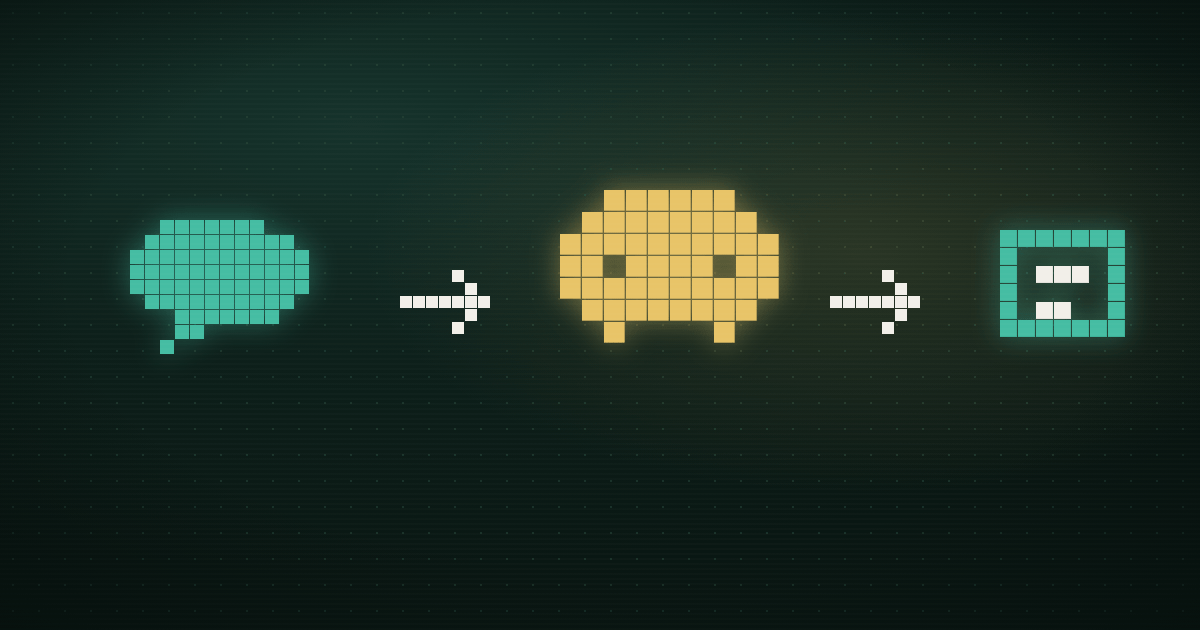
Cursor's background agents don't leave their work sitting in some separate dashboard for you to go dig up later. Per Cursor's own background agent docs, an agent clones your repo, works on its own branch, and pushes changes back "for handoff," producing a "merge-ready PR" plus artifacts, screenshots, a recording, logs, showing what it did and how it checked its own work. Reviewing one agent's diff is close to reviewing a contributor's branch: open the Files changed tab, read the diff, look at what the agent says it verified, and decide whether to approve it, request changes, or close it.
Where it actually gets hard is coordination, not the diff itself. Cursor doesn't cap how many agents you run against a repo at once, "you can run as many agents as you want in parallel," per the same docs, and it doesn't track for you whether two of those agents are quietly fixing the same bug, or whether the one that just opened a PR touches a file another agent is still mid-task on. Past one or two agent PRs a week, the review problem stops being "is this diff correct" and starts being "which of these five open PRs do I look at first, and do any of them undo each other."
What actually shows up in the PR
Along with the diff itself, a finished background agent hands you three things worth checking before you check the code:
- Artifacts. Cursor's docs describe agents producing "screenshots, videos, and logs" so you can "see exactly what changed and how the agent verified its work." For a UI change, that's usually faster to review than the diff, since the artifact shows the actual before-and-after.
- A remote environment you can drive yourself. You can exercise remote desktop control on the agent's VM to test the change directly, without checking the branch out locally first.
- A shareable, read-only run. Send a teammate the agent's URL and they can open it to see the conversation, the code changes, and the artifacts. Viewing is read-only by default, "to let teammates send follow-up messages and continue the work, a team admin can enable team follow-ups." Without that setting on, a reviewer who wants a change made has to leave PR comments or kick off a new task, not reply into the agent's own thread.
 “export fails on big workspaces”
 “CSV export times out for us”
 “exports broken since Tuesday”

 a coding agent
 PR openedreviewed by a human
The checks worth doing before you approve
- Read the artifacts before the diff. They're the agent's own account of what it verified, and they catch cases where the code looks right but the agent never actually ran it against the failing scenario.
- Treat the diff like a stranger wrote it. Background agents are good at the shape of the fix and inconsistent about scope; a task to fix a retry bug can quietly touch a shared config file three other paths depend on.
- Give config, migrations, and secrets a second look. These are the changes an artifact video won't show you, since a screen recording of a passing test doesn't tell you a database migration is irreversible.
- Run it yourself if the stakes are high enough. The remote desktop option exists so you're not just trusting a described test pass; use it for anything touching money, auth, or user data.
- Know your team's follow-up setting before you comment. If team follow-ups aren't enabled, a PR comment asking for a tweak goes to a human to implement by hand, not back to the agent.
Where parallel agents start working against each other
None of the checks above change much when you're reviewing one agent's PR a week. They start to strain once you're running several agents at once, which Cursor makes easy to do. Agents can be kicked off from Cursor's desktop or web app, from Slack with @cursor, from a comment on a GitHub or Bitbucket PR or issue, from Linear, or via the API. Multiply that many entry points across a team and you get failure modes that have nothing to do with any single diff being wrong.
The first is duplicate work. Two people on different channels, one replying to a GitHub issue, one pinging Slack, can each spin up an agent for what turns out to be the same underlying bug, and you don't find out until two PRs land describing similar fixes in incompatible ways.
The second is silent file collisions. Two agents on separate branches touching overlapping code don't know about each other. Neither PR looks wrong in isolation; the conflict shows up as a merge fight, or worse, as one PR quietly reintroducing what the other just fixed.
The third is the one that actually slows review down. Once there are several open agent PRs, the reason any one of them exists (which customer hit it, how urgent it is) lives in whatever channel triggered the agent, not in the PR description. A reviewer deciding what to look at first is stuck reopening Slack or the tracker for each PR to reconstruct the "why."
Three PRs, three agents, one afternoon
On a Thursday afternoon, three Cursor background agents are running against ledger-svc, the reconciliation service that settles merchant payouts for Driftline Payments. One was kicked off from a GitHub issue comment, one from a Slack @cursor mention, one from the Cursor web app after someone read a Linear ticket. By evening, all three have opened PRs: #341, #344, #346.
Soraya Kettering, the staff engineer on call, posts in #eng-review asking whether anyone can tell if #344 touches the same retry path as #346 before either one gets approved. A teammate points out that #346 traces back to a Zendesk escalation about duplicate settlement entries, while #344's description just says "fix retry backoff," with no mention of that escalation anywhere.
Nothing in either diff answers the question, so Soraya pulls up the artifacts Cursor left on both runs. A recording of a passing retry test doesn't tell her which customer's payout it was protecting, so she ends up opening the Zendesk thread and the Linear ticket by hand to reconstruct which PR maps to which complaint. Both turn out to be fixing the same underlying race from two different angles; she closes #344 once she confirms it, and approves #346.
The diffs themselves were never the issue; Soraya can read code fine. What cost her twenty minutes was tracing each PR back to the complaint that justified it, because nothing in Cursor's own output made that link for her.
Modem's Cursor integration is built to close that gap. When the Modem agent delegates a task to a Cursor Cloud Agent, it composes the task description with the bug reports and customer quotes that justified it already attached, so the PR that comes back carries its own reason for existing instead of pointing back at a Slack thread someone has to go find. Modem also reports task status and the PR link back into the conversation where the request started, so a reviewer looking at several open Cursor PRs can see which account is waiting on which one before opening a single diff. We build Modem, so read that endorsement knowing where it comes from; it doesn't replace the checklist above, it gives you the context to run that checklist in the right order.
If Cursor doesn't have customer context to work from in the first place, the tools that get it there covers six options beyond Modem. And for how the earlier half of this pipeline, capture, dedupe, and delegation, fits together before an agent ever starts, see how to have your coding agent fix user-reported bugs.
Paste the link before you approve anything else
Before approving any Cursor background agent PR, add one habit. Paste a link to the ticket or complaint the task was solving into the PR description, if the agent didn't already leave one. It costs the reviewer twenty seconds per PR, and it's the difference between triaging a stack of open agent PRs by feel and triaging them by who's actually waiting on each one.
